Working with sphinx#
Creation of a sphinx project#
Using the quickstart guide is possible create a first project in sphinx just following the instructions.
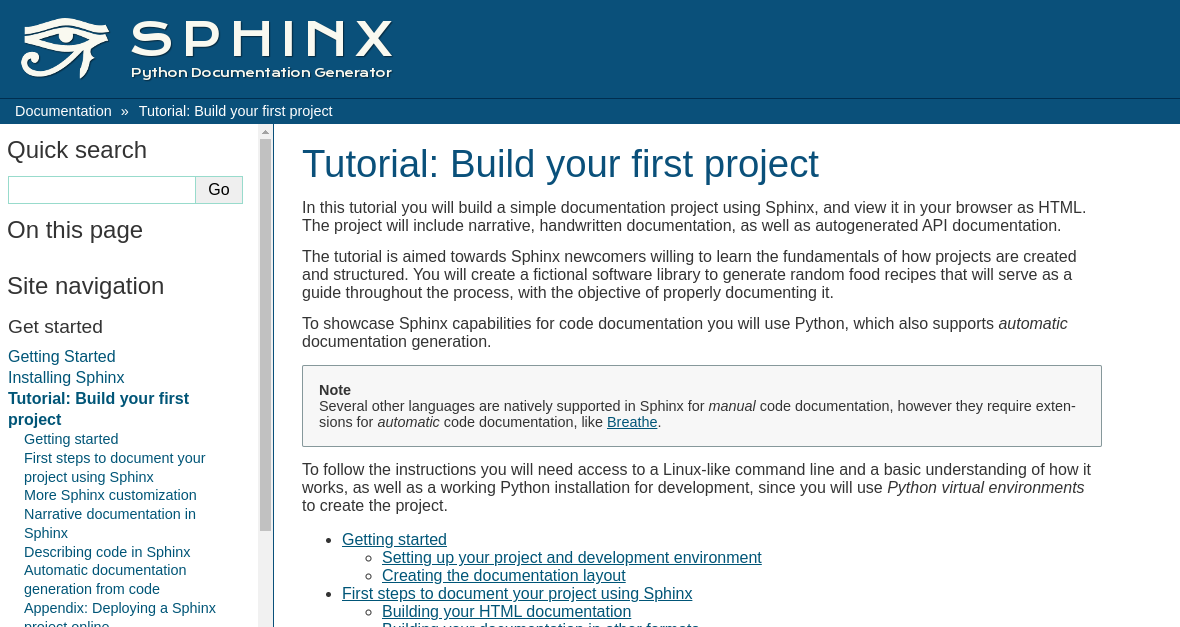
Print of the site#
The first steps of the process are:
Creation of a folder for the project and a file readme in .rst.
Creation of a python virtual environment.
Installation of tools (sphinx).
Running of quick configuration.
Render doc like html.
Customization.
Some commands#
There are some commands that its necessary use each time, for example:
Start sphinx from the terminal
$ source .venv/bin/activate
Reflect changes
$ cd docs
$ make html
Watch out
This part is very important to see errors.
Check version
$ sphinx-build --version
Themes#
Its possible install and set different themes for a sphinx project, and it is possible to modify them.
For example with _furo_ theme:
$ pip install furo
And then is necessary modify the file conf.py:
html_theme = "furo"
In this section is possible to read about customisation of furo.
References#
Below a title we can use for example ===, — or … to define different styles (like h1 in html5).
There many pages about syntax and how to configure sphinx, for example: Sourceforge, Sphinx-doc, Typo3, IntroSphinx and Sublime/Sphinx.
Iframe#
Is possible to work with iframes and insert videos, maps, etc.
A video:
A map: