Jupiter Notebook and sphinx#
Netbooks of Jupiter can be embed installing first a package like nbsphinx:
$ python3 -m pip install nbsphinx
Then is necessary put this package into the extensions in conf.py:
extensions = [ “nbsphinx”, ]
Other notes:
Its strictly necessary that the file of jupiter start with a cell in md, rst, etc with a title, other wise when we run the command make html we will get an error.
We will call the files of jupiter from the index -> toctree, like an another topic.
If you are using redthedocs is necessary put all the extensions in the file requirements, also ipykernel.
This part, is possible write it in jupiter lab/note using markdown format.
In general we can open the file of jupiter and also work/edit/create cells.
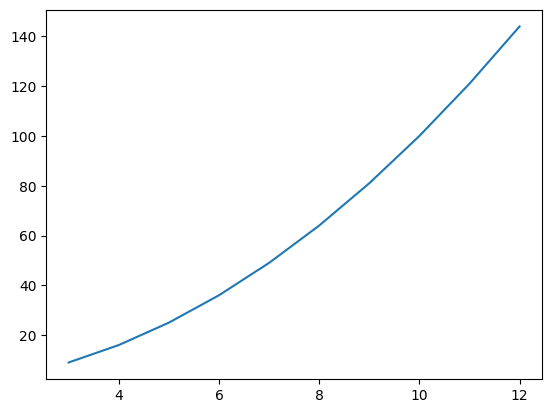
Finally, a little example..
[7]:
import matplotlib.pyplot as plt
x=[3,4,5,6,7,8,9,10,11,12]
y= [9,16,25,36,49,64,81,100,121,144]
plt.plot(x,y)
plt.show()
[ ]: